Your PS5.
In any browser.

Send a friend a link and they play on your console. 1080p, 60 fps. Nothing for them to install.

Runs on a home server · beta, expect some bugs
HOW IT WORKS

Install Plasta

On a home server, a mini PC or your own computer. Just once.

Plasta finds your console

On its own, on your home network. Asleep? It wakes up when a friend joins.

Get a link

One button. You decide how long it lasts.

Send it to a friend

Any messenger works. Access can be revoked at any time.

Your friend is playing

Open the link, and the game is on. With their own gamepad, a keyboard or a phone.

Play on anything.
Gamepad, keyboard, phone — whatever’s at hand.
Join the waitlist
Esc
1
2
3
4
5
6
Tab
Q
W
E
R
T
Shift
A
S
D
F
Ctrl
Alt
Space
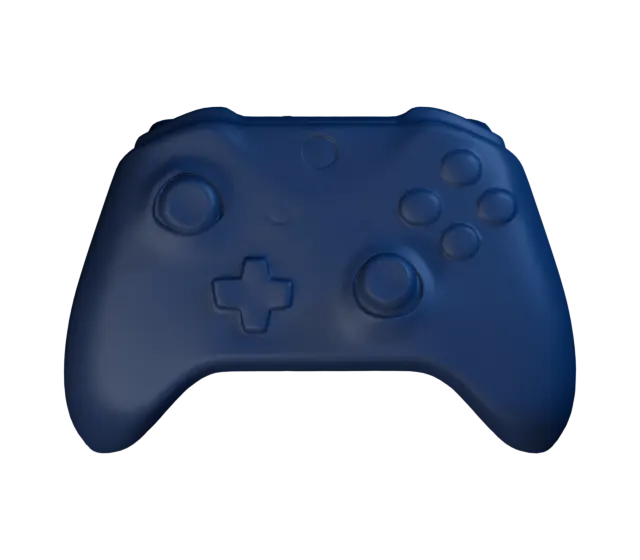
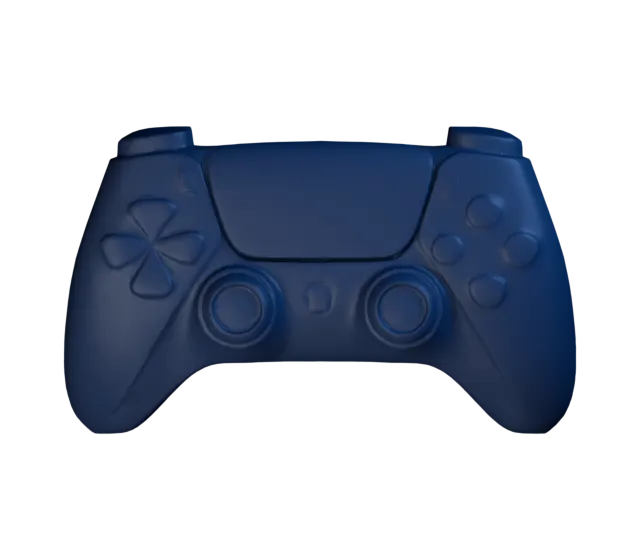
DualSense. Triggers, touchpad, gyro.
Keyboard and mouse. Key hints on screen.
Phone. On-screen buttons.
Mic. Voice in the game.
950+ gamepads work out of the box.

The picture holds up.

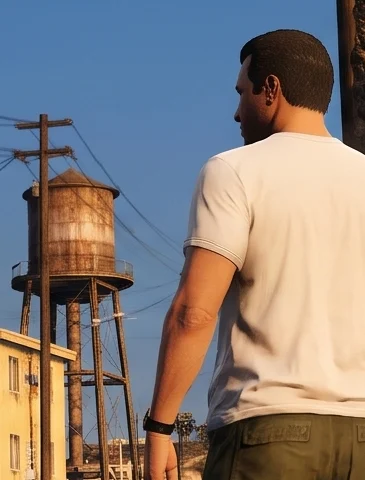
Upscaling takes 1080p to 4K right in your friend’s browser. And if their connection dips, Plasta lowers the quality and brings it back once things recover.

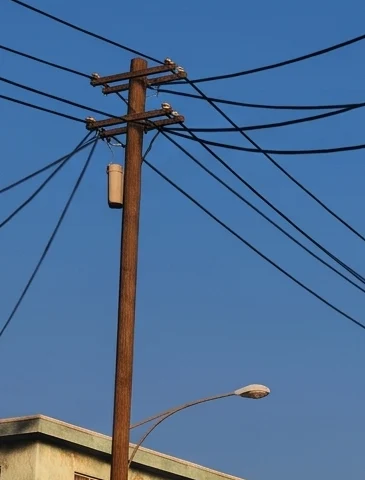
Game frame, balconies: without upscaling left of the slider, with it on the right
Game frame: a pole with wires
Game frame: the hero and a water tower
1080pUpscaled to 4K

You’re in control.

Block out time in the calendar, pick who it’s for, and the link is ready. Changed your mind? Revoke it, and your friend’s game stops.

What you need

≈ 45 MBof memory on a Mac during 1080p play
≈ ⅕ of a coreof CPU during play
No graphics cardbuilt-in graphics are enough
Safe updatessettings and data stay in place

YOU

  • A PS5On your home network.
  • Or a gaming PCWith Sunshine installed (free, open source), on the same network as the computer running Plasta.
  • A computer for PlastaLinux (amd64 or arm64) or an Apple Silicon Mac, on the same network as the console. No Windows yet.

YOUR FRIENDS

  • A browserChrome or Edge.
  • That’s it

Pay once.
Use it forever.

  • Own

    Try it with a friend

    $0

    free forever

    Join the waitlist
    • 1 device — gaming PC or PS5
    • 1 guest at a time
    • Guest sessions up to 30 minutes
    • 1080p, 60 fps, gamepad in the browser
  • PlusFor most people

    Play with friends, no time limits

    $49$69

    beta price · lifetime key

    Join the waitlist

    Everything in Own, plus:

    • Sessions of any length
    • Guests sign in to their own PSN account
    • Multiple users on the PS5
  • Pro

    Several devices, one organized group

    $89$129

    beta price · lifetime key

    Join the waitlist

    Everything in Plus, plus:

    • Up to 10 devices
    • Schedule: who plays when
    • Shared costs: dues and spending on subscriptions and games
    • Admin access for several people
    • Your own name and logo on the guest page
    • AI assistant and API run sessions

Lifetime key · updates included · 14-day refund · free Own plan instead of a trial

Plasta is in beta — expect some bugs.

FAQ

Will it lag?

Plasta checks the connection before the game — speed, latency, loss — and tells you right away what quality to expect.

My friend’s internet is slow

Quality drops and comes back on its own. After a dropout, the game picks up again.

Will my network be visible from outside?

No. The control panel is open only to your own networks.

Does it work with a gaming PC?

Yes. Install Sunshine on the PC and add it in Plasta. Guests play with a gamepad, or with a keyboard mapped to gamepad buttons.

Is this Sony?

No. Plasta is independent software.

Split your PS5
with friends.